javascript and its relationship to html and css?
If you've spent much time on the Internet, you've probably seen the words HTML, CSS, and JavaScript. What exactly do these words mean?
All three are languages used to make websites (don't call HTML and CSS programming languages or some people get mad).
HTML stands for HyperText Markup Language. It was invented as a publishing language for the web. Basically, HTML is used to lay out the bones of the website.
- The headings
- The paragraphs
- The links
- The images
CSS stands for Cascading Style Sheets. This language is used to define a style for a website. In the old days, you could do a lot of styling without CSS. For example the HTML <font> tag could set attributes like colour, font, and size. However, this and other style-oriented features were removed with HTML5 which came out in 2008. Now, the only way to really style your HTML is with CSS.
HTML and CSS alone can be used to make simple sites like a small blog or business website. So where does Javascript come in?
JavaScript is a powerful programming language that can bring to life an otherwise static website. It is essential if you want a website to be interactive and dynamic. JavaScript can change a website based on input from the user or data from another source. The uses of JavaScript are pretty much endless. 98% of websites today use JavaScript for their browser-end functionality.
control flow and loops
Computer programming is all about giving instructions to the computer. The control flow refers to the order that the computer does these instructions.
You can think of the control flow in terms of simple tasks we do every day. The example below shows a (very simplified) long-term task that could be explained with control flow and loops.
age = 0                         The child is born
name = "Toby"                   The child is named Toby
toiletTrained = false           The child is not toilet trained
                                (by default)

while not toiletTrained         This line tells the computer to
do every hour {                 do the following code every hour
                                until the child is toilet
                                trained

    check nappies               The nappies are checked
    if nappies are dirty        If the nappies are dirty, do the
                                following steps
      remove dirty nappy
      clean baby
      put clean nappy on
      discard dirty nappy
      wash hands
    otherwise
      set toiletTrained to true Otherwise, the baby is now
                                toilet-trained!
                                This breaks out of the
                                loop
continue loop
say "{name} is toilet trained!" The parents are now out of the
                                toilet-trianing loop and
                                celebrate with a shout.
The order that you put instructions in can be a cause of errors in code. For example, what would happen with the last line of the code above if we hadn't set that name to Toby at the start?
the dom
The DOM is short for the Document Object Model. This is the hierarchical representation of a web page. You can think of the DOM like a tree.
The earth is like the window element, upon which is
planted the document.
The DOM organises all elements on the page into a hierarchical structure so they can be accessed and manipulated. If the DOM was a tree, we might want to select all apples or change the colour of the blossoms to purple. Or we might want to chop off a whole branch and everything connected to it.
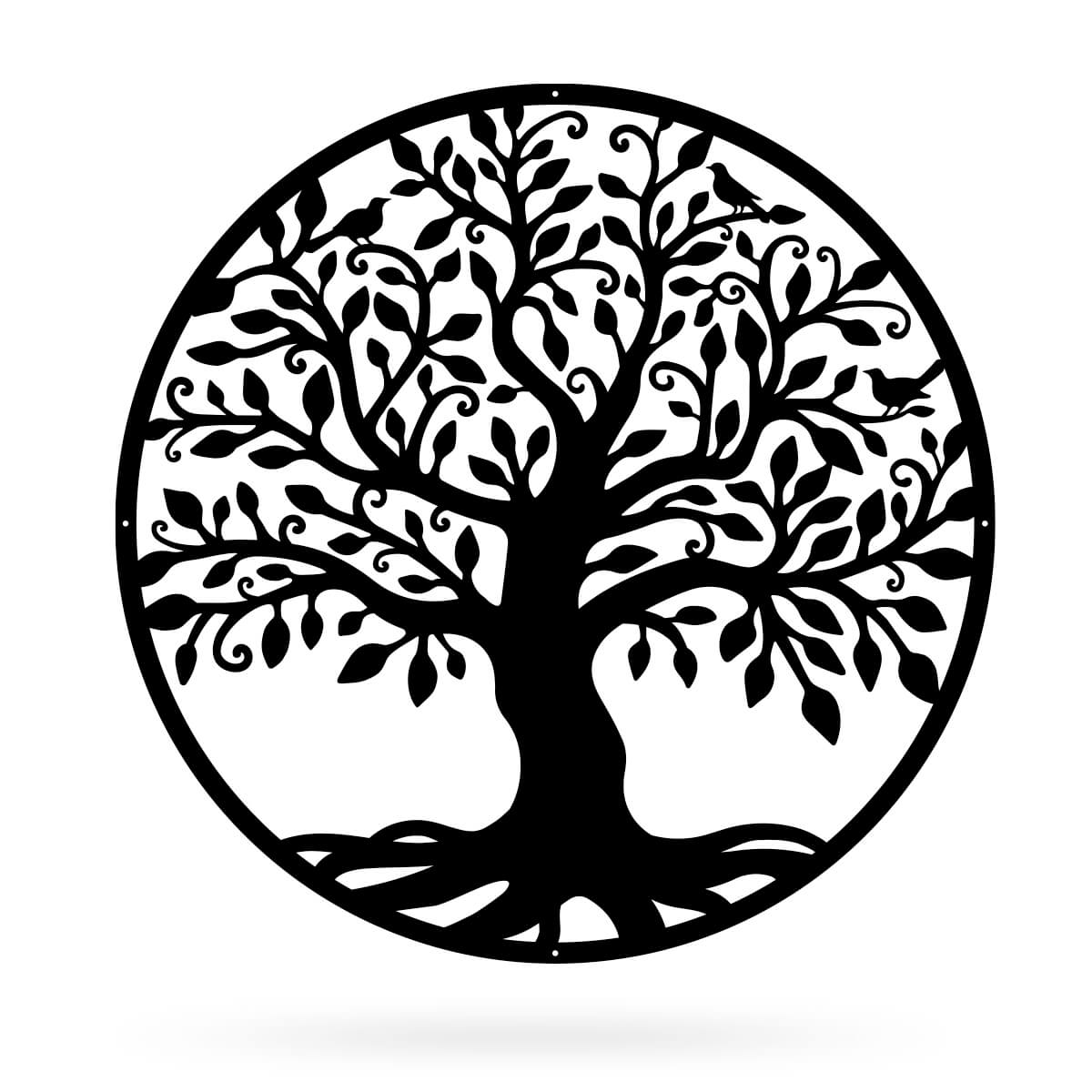
In a similar way, we can select all elements of a similar type (like all paragraphs) or select elements by their id or class. Once selected, we can change the style of the elements, remove them, or add new elements to them.
arrays vs objects
Arrays and objects are two data structures you can use in JavaScript. Both have advantages and disadvantages. It may not always be obvious which one is the best to use for a particular scenario.
Arrays
Arrays are basically just lists of things. This could be a list of strings (text) or numbers, or it could be an array of arrays or an array of objects. Arrays have a number of built-in functions in JavaScript that can be very powerful for easily manipulating sets of data.
Arrays store data in an ordered list. Each entry in the list can be selected by using its index (where it is in the list). The first index in an array is always zero, not one!
Lets say we have an array of names called
firstNames that looks like this:
["Jeff","Mike","Brian"]
With the indices showing it looks like this.
[0: "Jeff", 1: "Mike", 2: "Brian"]
To access the third name in the list, we would do:
firstNames[2]. We use "2" instead of "3" to get the
third name, because the indices start at 0.
Objects
Objects are data structures that store data in sets of key/value pairs. The object might be a customer at a supermarket that you want to store and track. It might look like this:
  const customer = {
    name: "Greta",
    age: 47,
    favouriteItems: ["apples", "bananas", "cheese", "muesli bars"]
  }
Note how objects use curly braces {} and arrays use square brackets []. This is an important distinction.
To access a value in an object, we use the "key" of that value. So
to access the name of the customer we go
customer.name or to access the age we would use
customer.age.
Notice the favouriteItems value is an array. To access the second
item in that list we would need to use a mix of object and array
accessors. This would look like
customer.favouriteItems[1].
functions (and why they are helpful)
Functions are like little sets of instructions. They need to be
given a name, and they can also take parameters. Functions are
defined with the function keyword. Usually functions
will return a value using the return keyword. However,
this is not always the case. For example you might have a function
that just does an action like pops up an alert to the user. An
example of a simple function that adds two numbers is below.
    function myAddingFunction(varA, varB) {
      return varA + varB
    }
On its own, this function will not do anything. To use the function we need to call it. This could be done like so.
let myAddedNumbers = myAddingFunction(5, 10)
This bit of code has made a variable myAddedNumbers and
assigned to it the return value of
myAddingFunction(5, 10). The value of
myAddedNumbers will be 15.
The importance of functions may not seem that obvious when you are only doing simple arithmetic, but it soon becomes apparent once your project grows.
An important principle in software development is DRY.
DON'T REPEAT YOURSELF
If we have code that repeats itself, any modification of a task requires it to be modified everywhere it occurs in the code. By writing functions, we can change the task in one place and this will be changed everywhere we use that function.
Using functions also makes code easier to read for anyone that has to go through it after us (including our future selves).